
Command Pocket
Your entire Unity workflow. One keystroke away.

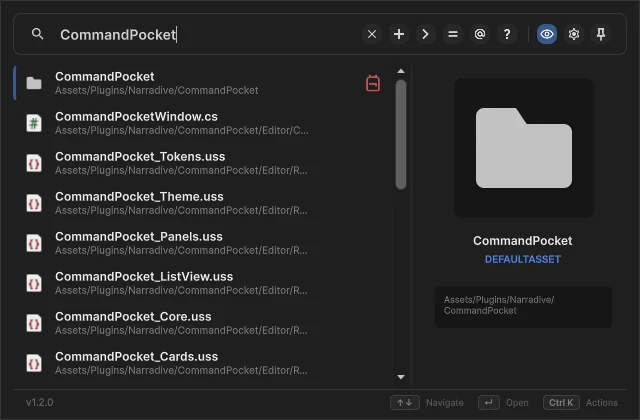
Overview
What is Command Pocket?
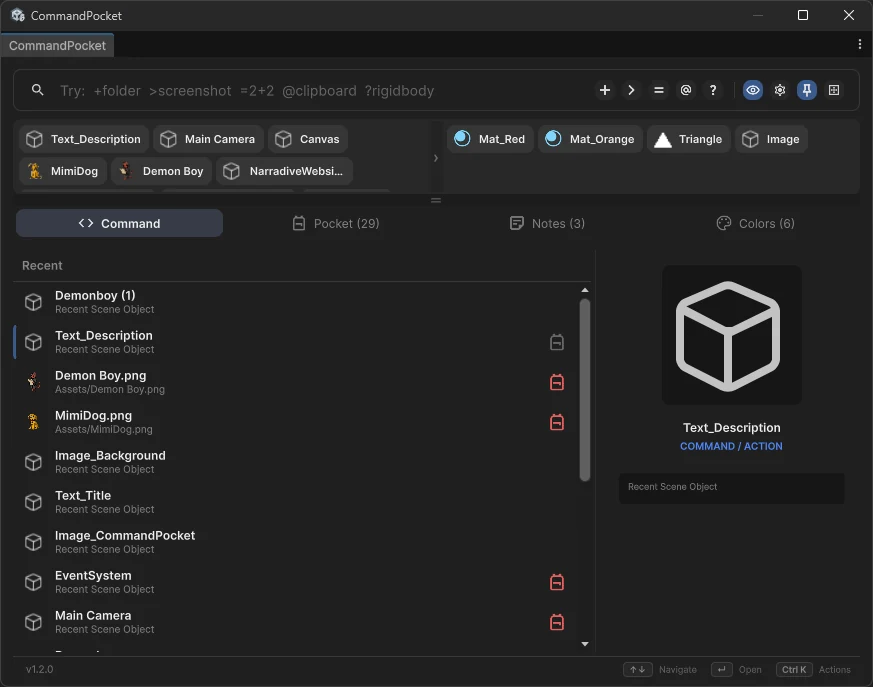
Command Pocket is a keyboard-driven command palette for Unity. One shortcut opens a single bar that searches, runs commands, creates assets, does math, tracks your clipboard and keeps your pocket, notes and colors, all without leaving the editor.
Search
Find anything. In milliseconds.
Fuzzy-search every asset, scene object, menu action and command as you type. Usage-aware scoring floats what you reach for most to the top.
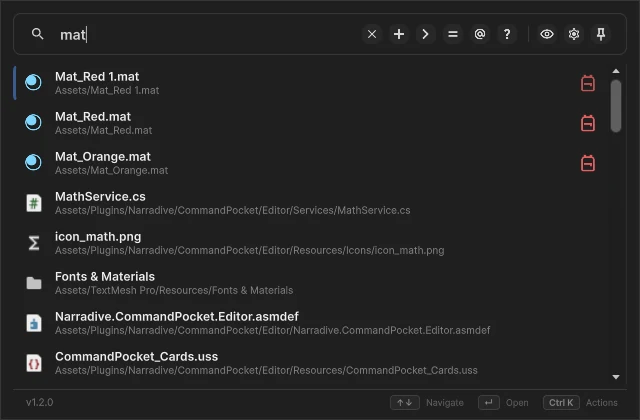
Command Syntax
Type a symbol, switch modes
Prefix your query and Command Pocket instantly does far more than search.
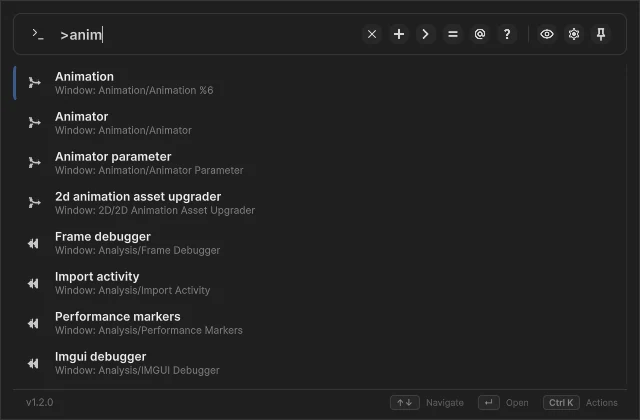
Execute editor commands, with third-party support.
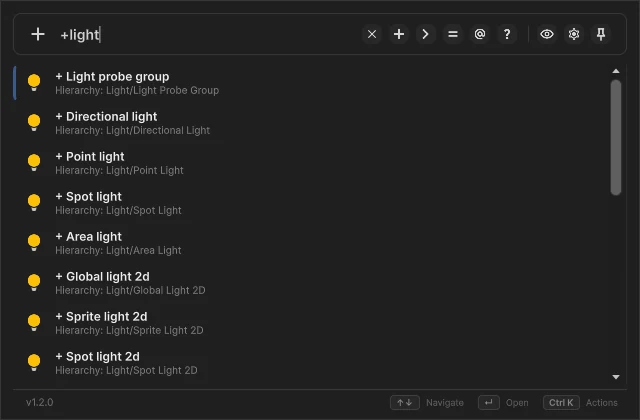
Create assets and GameObjects without digging through menus.
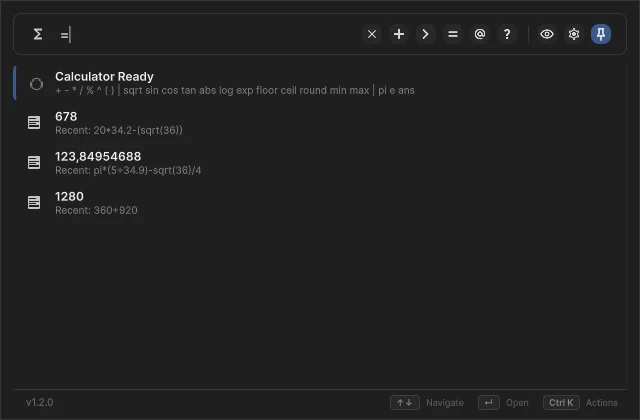
Solve math problems directly in the editor.
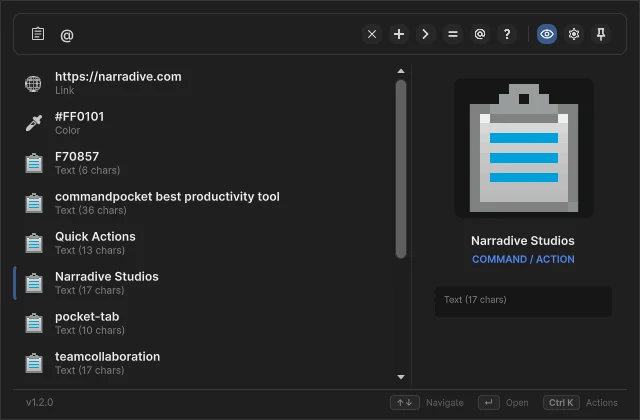
Track and reuse copied GUIDs, colors and URLs.
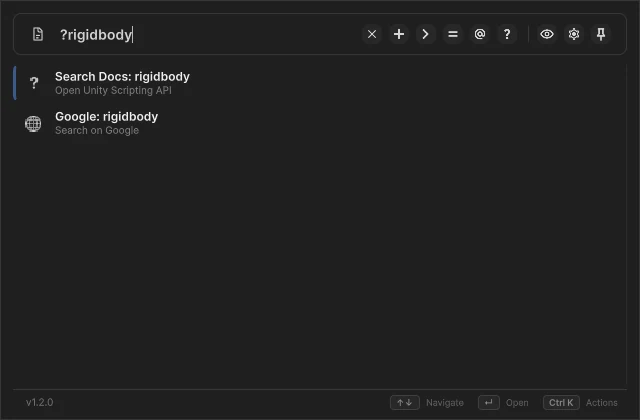
Search Unity docs or Google without leaving the editor.
Workspace
More than search. A workspace.
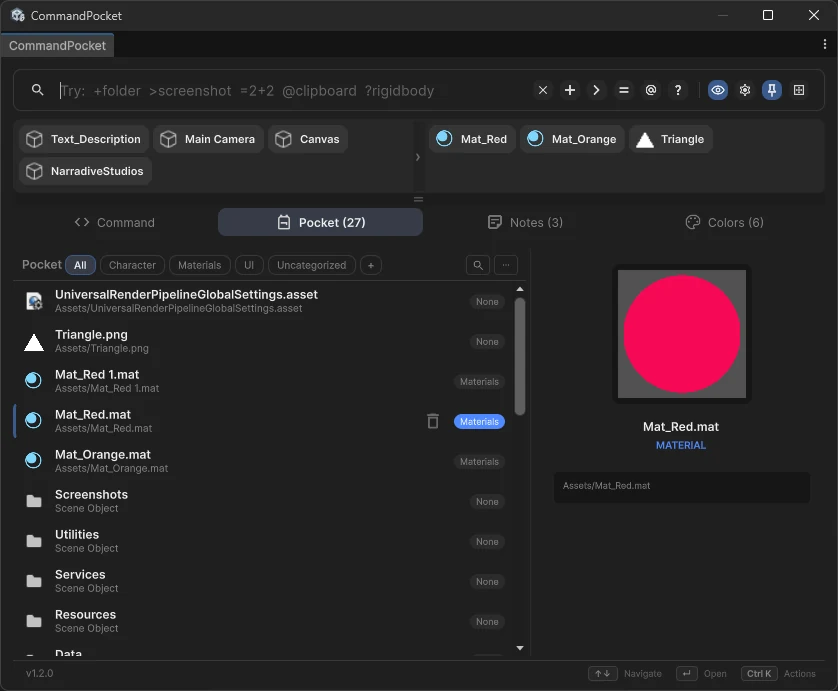
Pocket, Notes, Colors and Quick Actions in one window. Open the tabs you use, close the ones you do not.
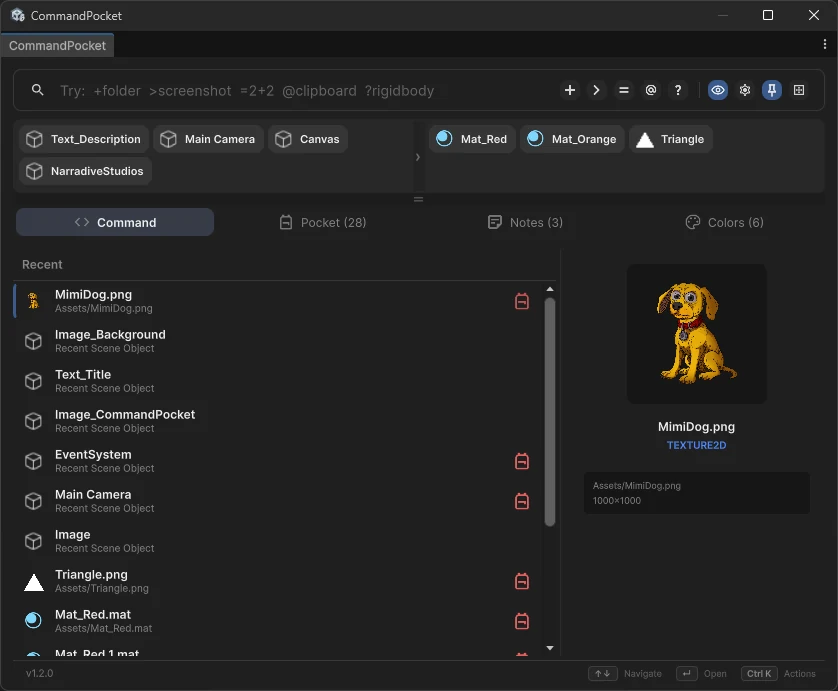
Favorites, always a keystroke away.
Bookmark the assets you touch all day and organize them into categories that match the way you work.
Notes
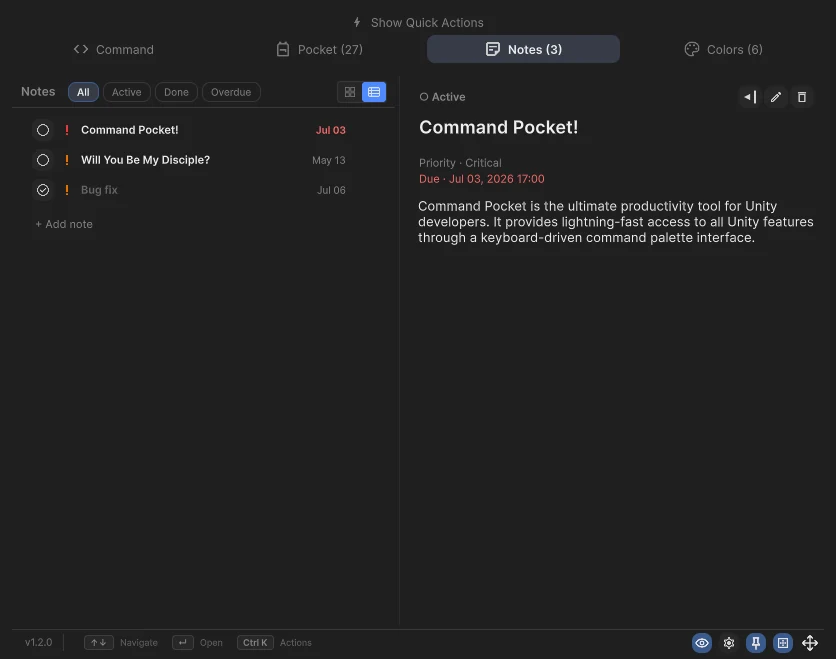
Notes that live where you work.
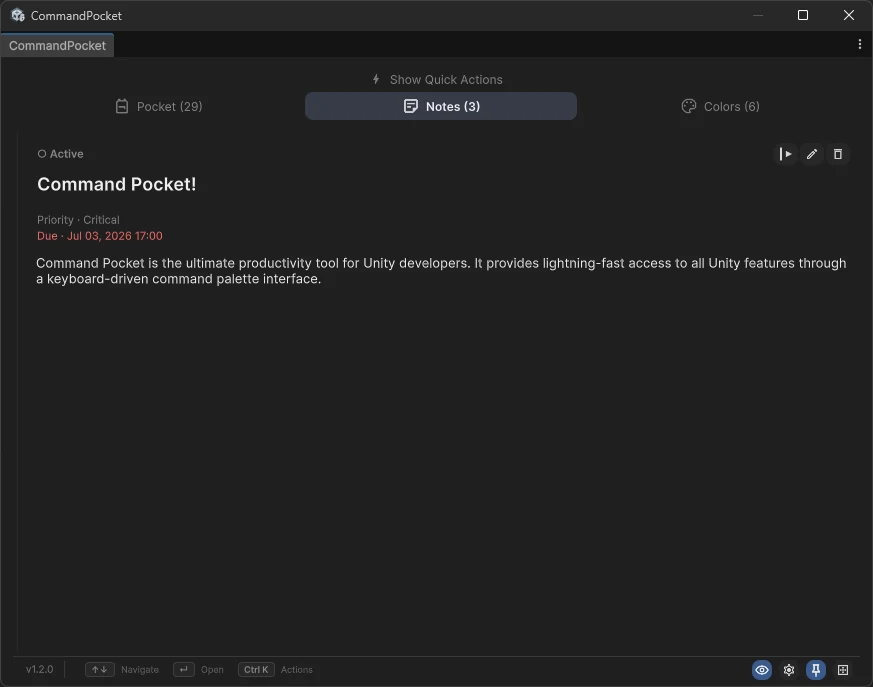
A built-in task manager with priorities, due dates and Active, Done and Overdue filters. Capture bugs and to-dos without leaving the editor.
Colors
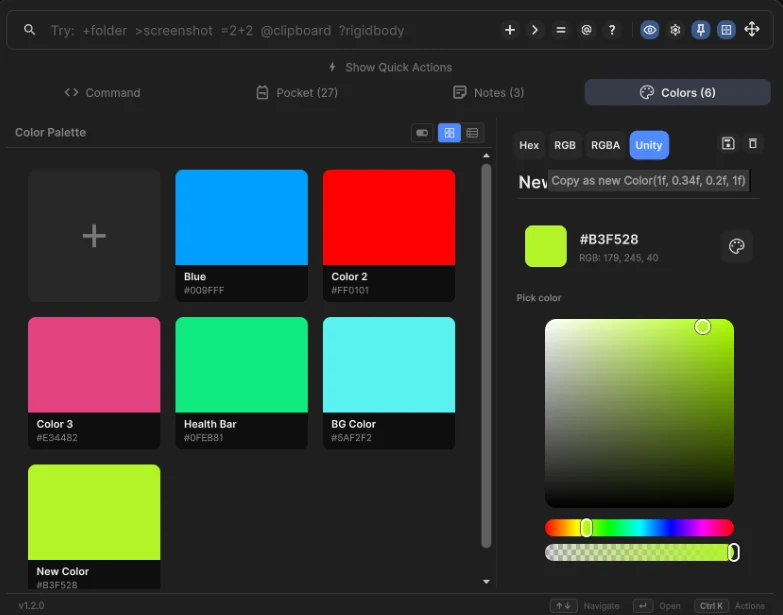
Your palette, always at hand.
Save, name and preview colors, then copy them as Hex, RGB, RGBA or Unity. A palette that travels with your project.
Quick Actions
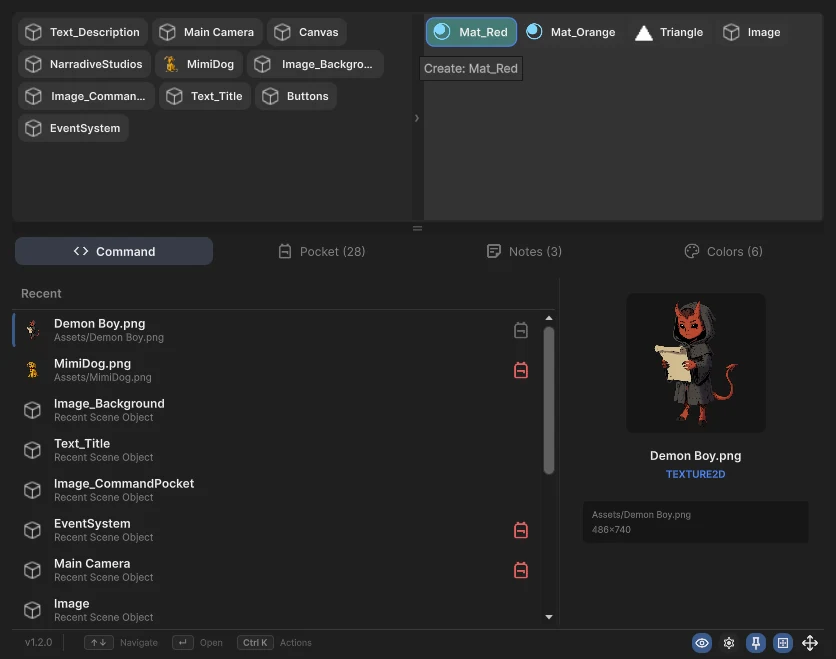
Your top assets. One click away.
A drag-and-drop bar for the assets you use most: ping and open on the left, instantiate and create on the right.
Customization
Make the workspace yours
Hide the search bar, tabs or panels. Show only what you use, all from Settings.
Layout
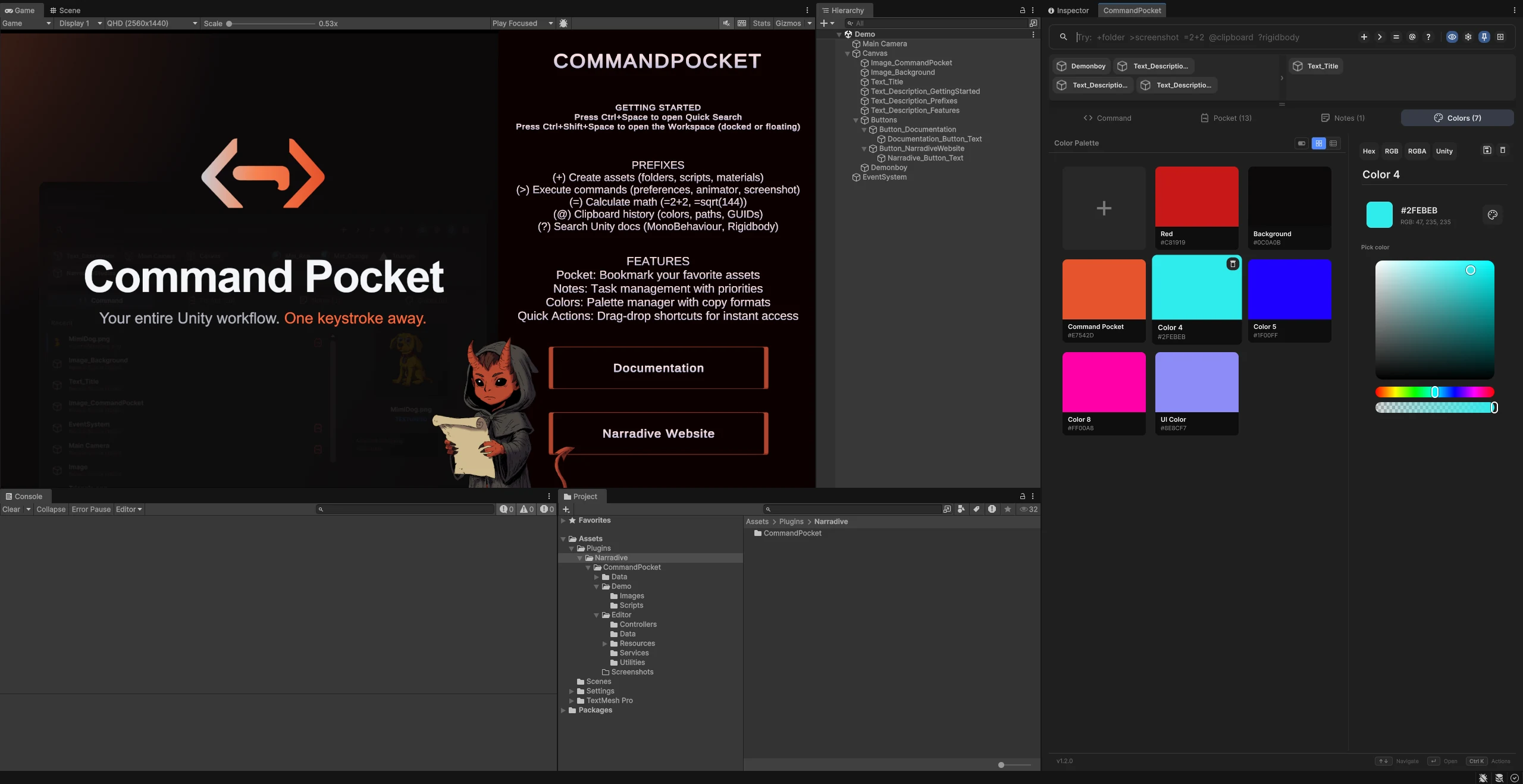
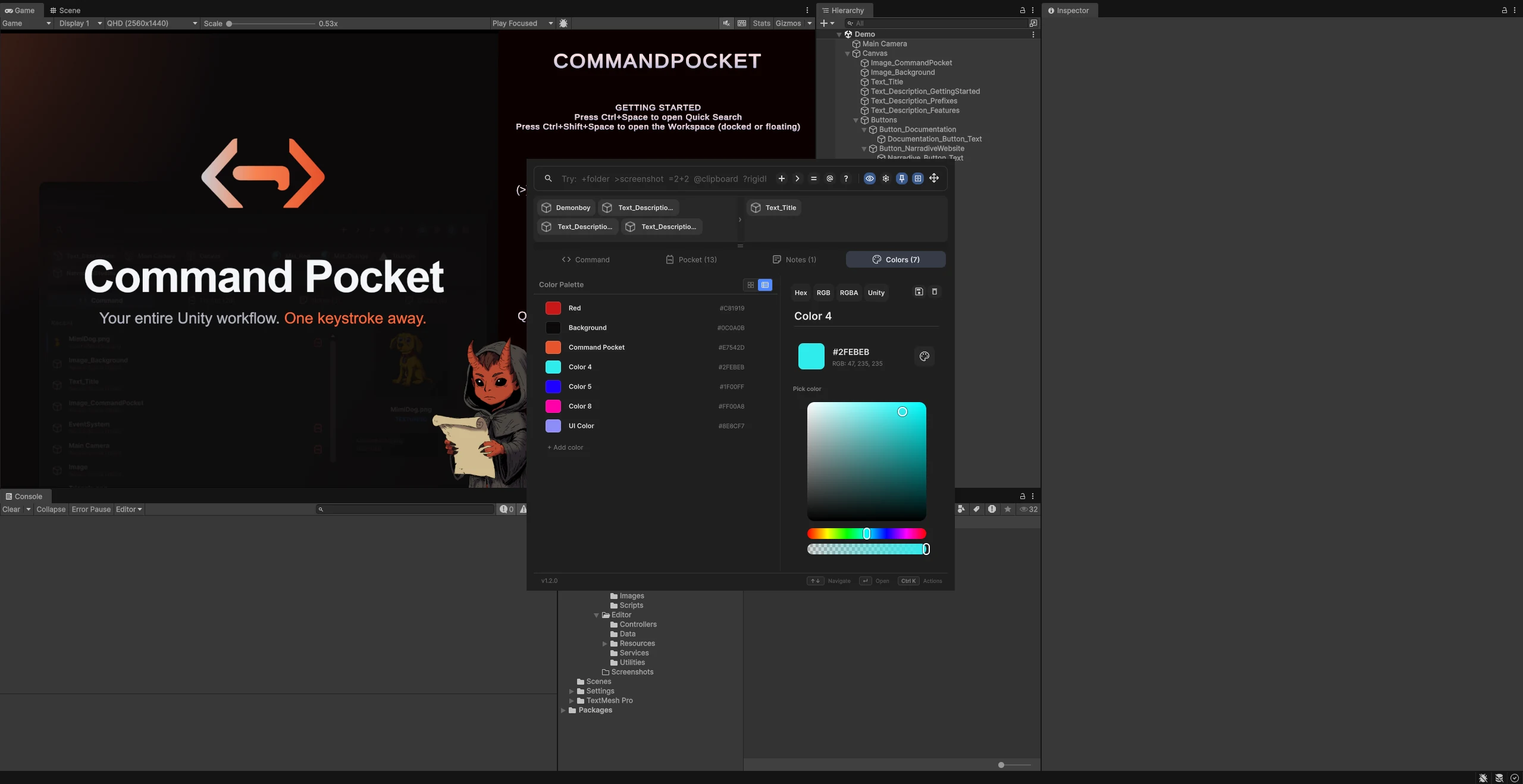
Dock it, float it, make it yours
Snap it into any panel or float it free. Command Pocket fits the layout you already work in.
Theming
Light or dark, always native
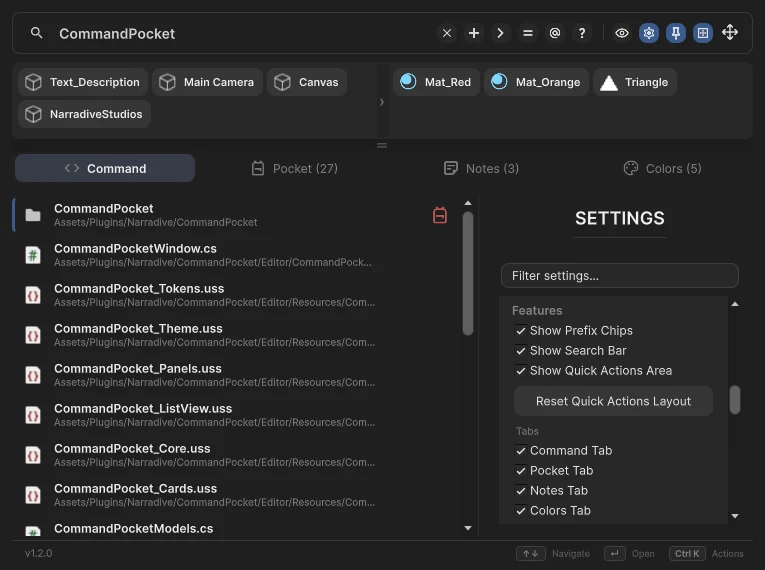
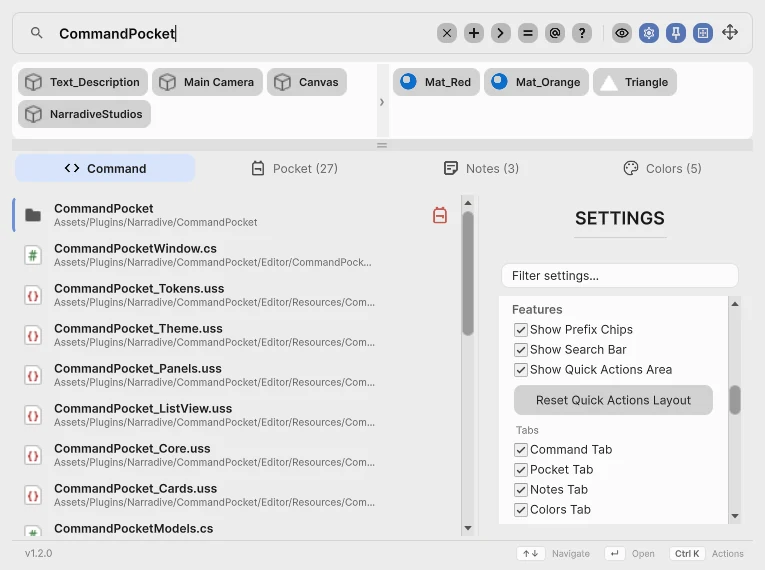
A clean design system with full parity in both editor skins.
Teams
Built for teams. Friendly with Git.
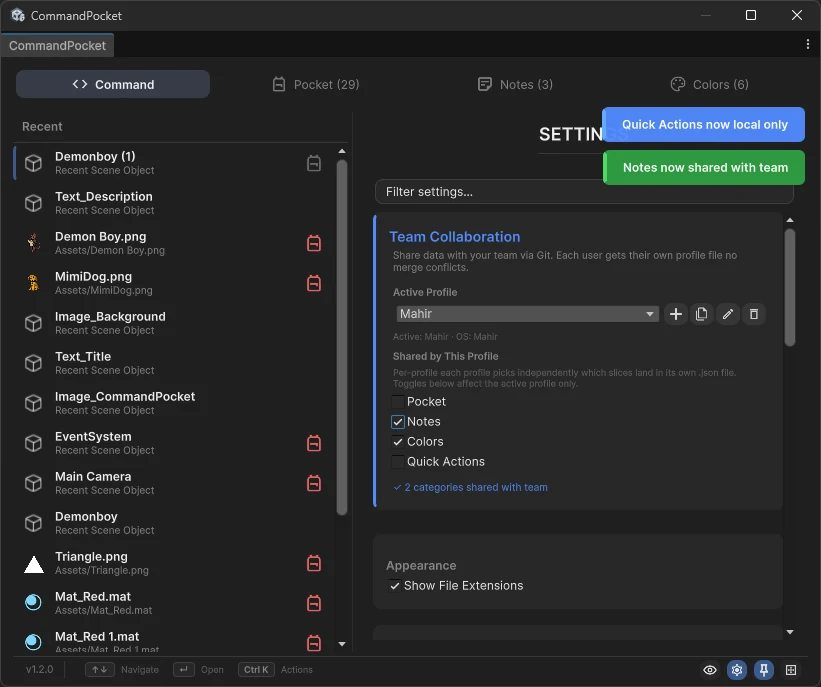
Share your pocket, notes, colors and quick actions across the whole team. Each teammate works in their own profile file, so there are no .meta or GUID merge conflicts.
Two ways in
A quick palette, or the full workspace
One shortcut for a fast search, another for the docked workspace. Both open the same tool.
Quick Search
A floating palette that opens, does one thing and gets out of your way. Ideal for a fast find, create or command.
Workspace
The full window with every tab, docked or floating. Keep it open beside your work all day.
Origin Story
Born inside a cult-management game
Command Pocket was born during the development of Will You Be My Disciple?, our darkly funny cult-management game. While building it, we kept needing a faster way to navigate Unity's complex menus and reach assets quickly.
What began as an internal productivity plugin grew into a comprehensive tool, with advanced features, optimization and thorough documentation, ready for the Unity Asset Store and the wider developer community.
Will You Be My Disciple?Streamline your Unity workflow
Get Command Pocket on the Unity Asset Store, or read the docs to see what's inside.